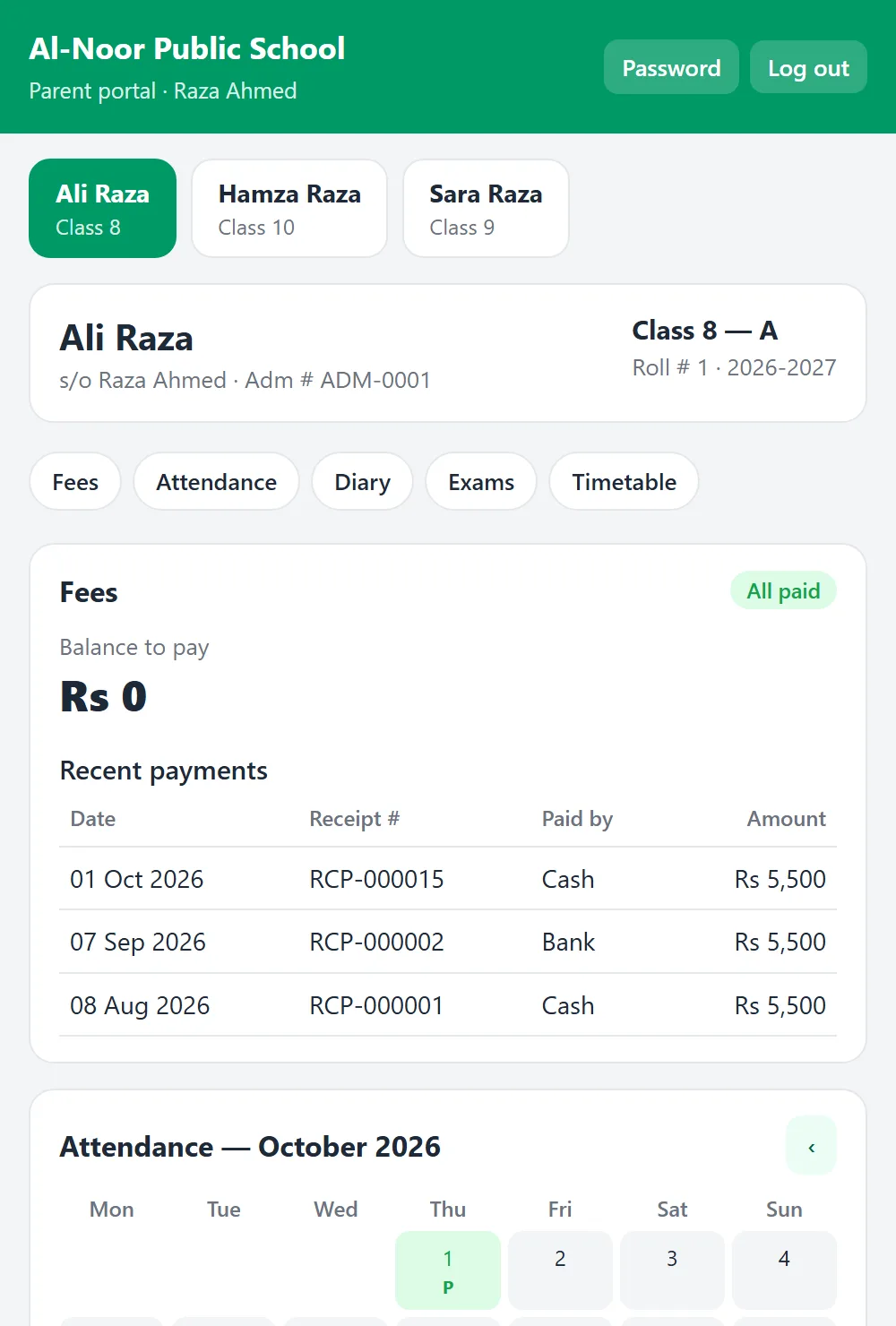
What parents see
- Fees, challans and receipts
- Attendance day by day
- Diary / homework
- Date sheets and results
- Timetable
One login for all their children. Fees and challans, attendance, the diary, date sheets, results and the timetable — always up to date.
 Search
+DP
Search
+DP
Parents log in on the phone with their mobile number to see fees and challans, attendance, the diary, date sheets, results and the timetable of all their children.
A real parent portal screen / print, made by the software.
Three steps — the rest is done for you.
One click makes logins for the parents of a class.
Send the User ID and password on WhatsApp.
They find your institution and see their children.
No — it opens in the phone's browser.
Yes — all their children appear together.
Yes, from Portal Logins.
Every feature, no card needed — or talk to us first.