Before the exam
- Exams per session with their subjects and total marks
- Date sheet as a list or a grid
- Roll number slips to print
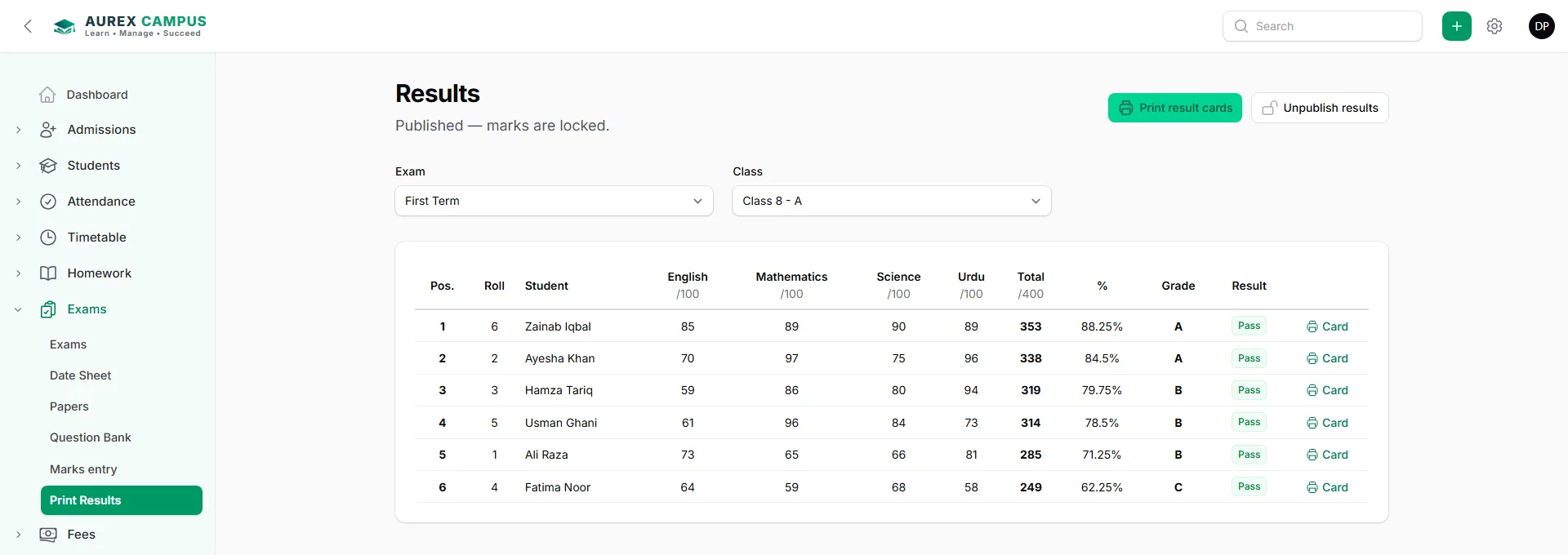
Make the date sheet, print roll number slips, enter marks once — totals, percentage, grade and position are worked out and the result cards are ready to print.
 Search
+DP
Search
+DP
Date sheets, roll number slips, marks entry by class and subject, totals, percentage, grade and position, and printed result cards.
A real exams & result cards screen / print, made by the software.
Three steps — the rest is done for you.
Subjects, total marks and the date sheet.
Teachers enter marks for their subject.
Grades and positions are worked out; print the cards.
Any date range, filters, a clean print and Excel — part of 75+ reports.
Yes — by class and section.
Yes, with rights per screen.
Yes, the grading is yours to set.
Every feature, no card needed — or talk to us first.